
 Overview of Richardson RazorSQL for macOS
It allows you to query, update, navigate, and manage all major databases with one tool. With RazorSQL, a SQL query tool, SQL editor, and database navigator, you can run SQL scripts, visually edit, create, modify, and view tables, import and export data, build queries using the query builder, and navigate databases using the database navigator. It even comes with a built-in relational database engine that requires no configuration.
The SQL programming editor has syntax highlighting for SQL, PL/SQL, TransactSQL, SQL PL, and Java, automatic function/method search, automatic column search, key lookahead, built-in and customizable templates, and multi-table display of query results. Query logging and many other features, including a tool for calling stored procedures and comparing table and query data.
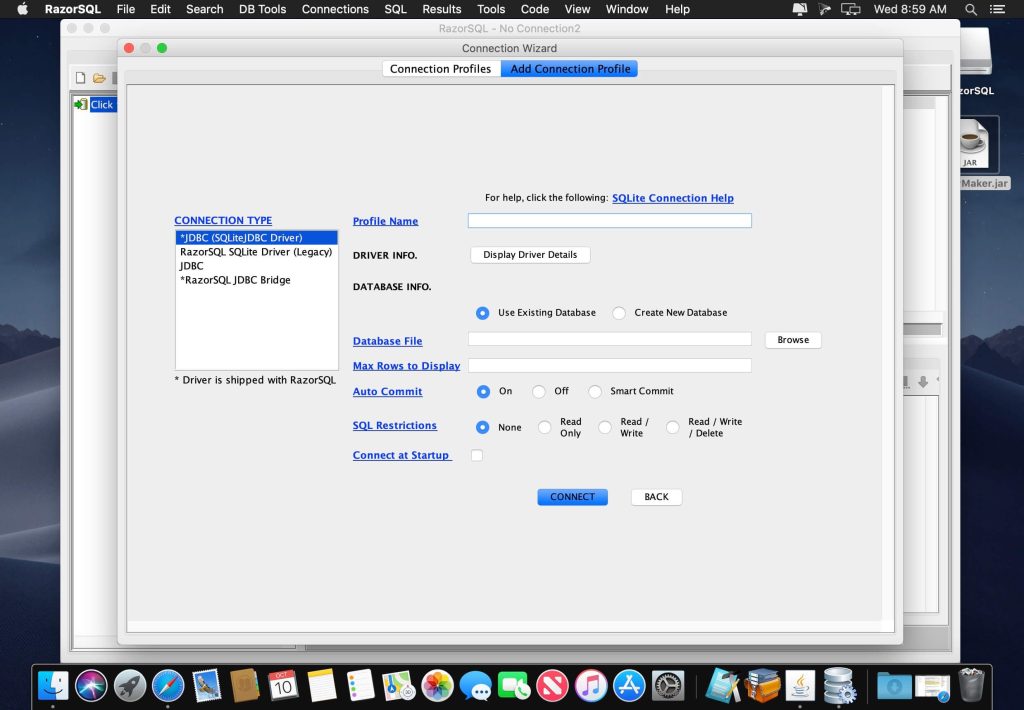
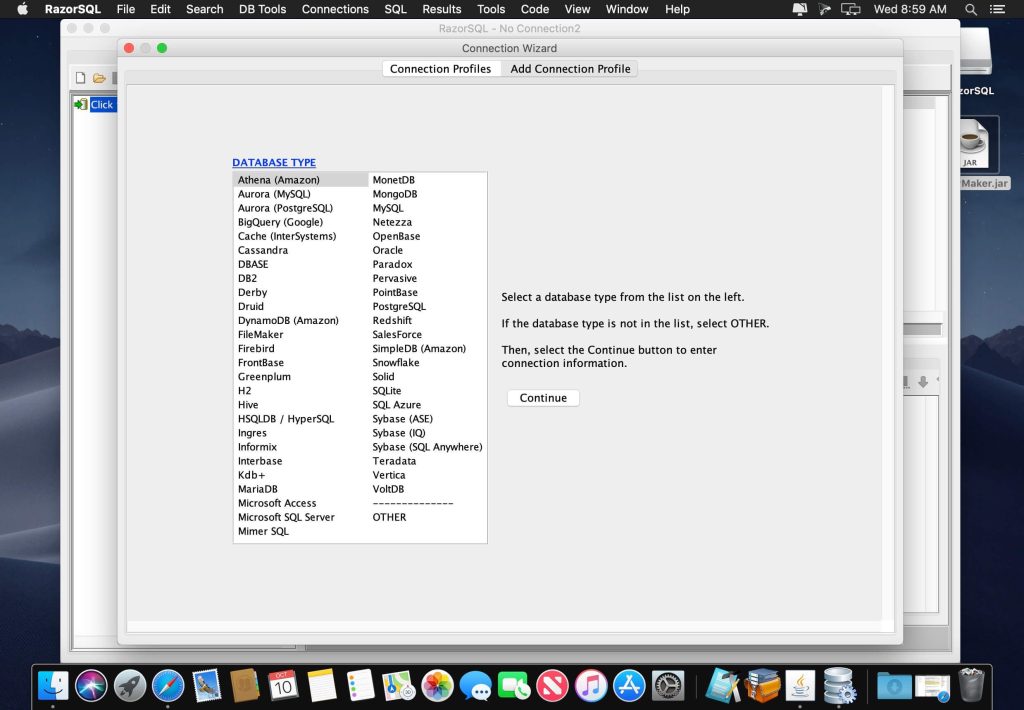
It has been tested with almost all popular databases. It includes built-in driver support for Cassandra, DB2, Derby, DynamoDB, Firebird, FrontBase, Hive, HSQLDB, Informix, MongoDB, MySQL, OpenBase, Oracle, PostgreSQL, Redshift, Salesforce, SimpleDB, SQLite, SQL Azure, SQL Anywhere, SQL Server, Sybase, Teradata, and others.
Features of Richardson RazorSQL for macOS
- Database Browser: Browse objects such as schemas, tables, columns, primary and foreign keys, views, indexes, procedures, functions, etc.
- SQL Editor: Edit SQL scripts. Run SQL queries. Auto column and auto table lookup. Uses the powerful EditRocket code editor that supports over 20 programming languages, including SQL, PL/SQL, TransactSQL, SQL PL, HTML, Java, XML, and more.
- Database Tools: Visual tools to create, alter, describe, execute, and drop database objects such as tables, views, indexes, stored procedures, functions, triggers, and more.
- Database Query Tool: This tool includes a multi-tabular display of queries with options for filtering, sorting, searching, and much more.
- Import Data: Import data from formats such as delimited files, Excel spreadsheets, and fixed-width files.
- Export Data: You can export data in various formats, such as delimited files, XML, HTML, Excel spreadsheets, JSON, and SQL insert statements.
- SQL Query Builder: Create, select, insert, update, and delete SQL statements. Create multi-table joins.
- Built-in Database: The package includes a robust relational database (HSQLDB) that is up and running with no manual configuration out of the box.
- Edit Table Tool: Insert, update, and delete table data in a spreadsheet-like format. Find and replace data, preview generated SQL, and more.
- Data Compare: Compare table data across databases or compare the results of queries.
Technical Details and System Requirements
- MacOS 10.14 or later
- Intel 64-bit/Apple Silicon